Welcome, FramePort!
I built FramePort because I wanted to see my FPGA's HDMI output while working on its code.
At first, that meant keeping an external monitor nearby. A USB capture card was a more convenient option, but I still had to open another application just to view the feed. I couldn't find a VS Code extension that fit the workflow I wanted, so I started building one.
Now the video sits in an editor tab beside the code. That small change makes working on the hardware much easier: I can change something, look at the output, and keep going.
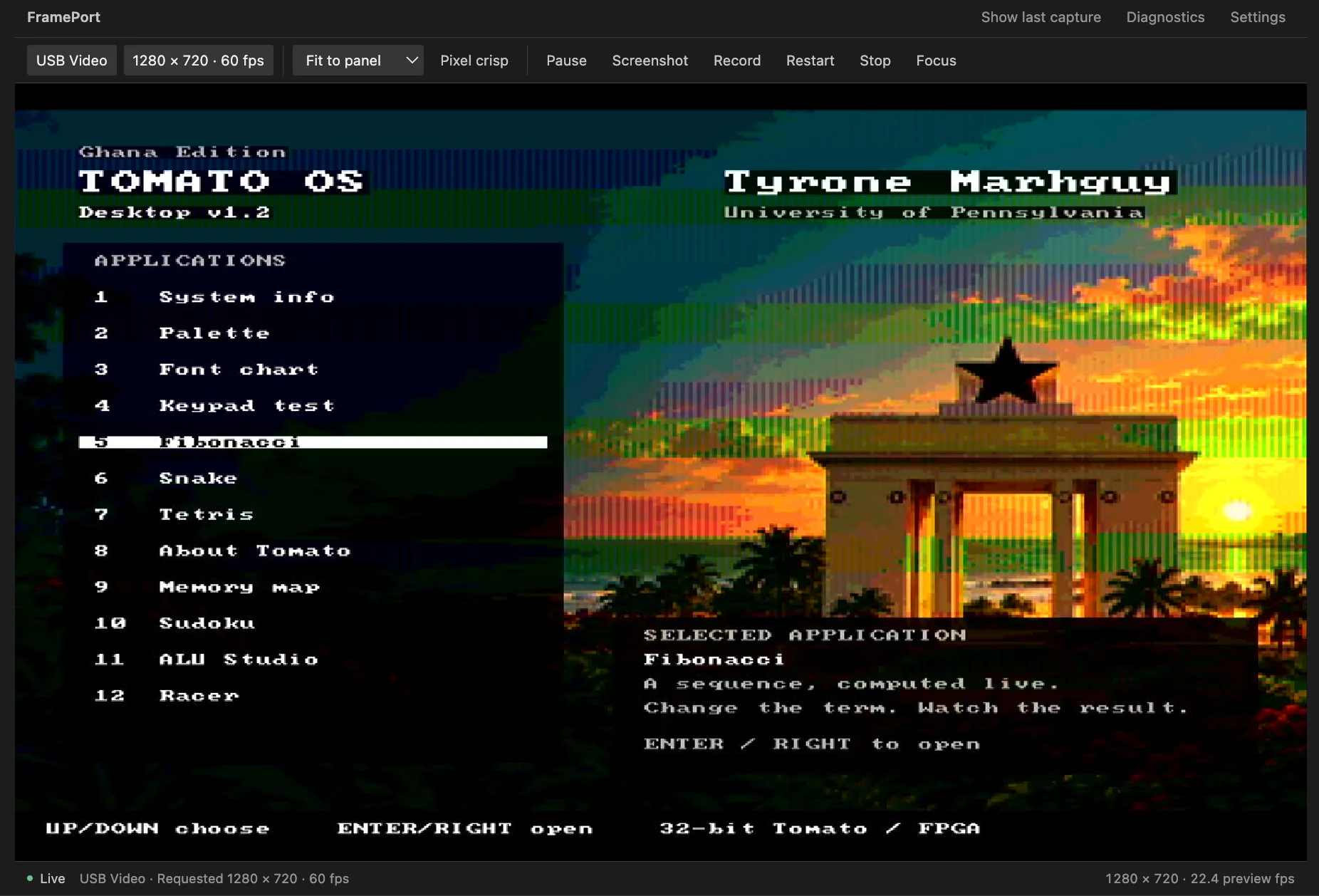
The FPGA running Tomato OS, viewed through the USB capture card inside FramePort.
Tomato, my 32-bit computer project, is the reason FramePort exists. It is also the first use case I want to get right. Other video devices can fit the same workflow, but for now: Tomato first.